Remy: Working in shared Google Docs with Claude made easy

Almost everything I write these days is written together with other people, in shared Google Docs — reports, papers, blog drafts. And for months there was one collaborator who couldn’t get into the document: Claude.

Not for lack of trying. Claude’s standard Google Drive integration can read a shared document just fine. But it cannot edit one. Ask it to improve your text and it does the only thing it can do: it creates a new file. Ask again, another file. Report-v2, Report-v2-claude, Report-v2-claude-final. Meanwhile your colleagues keep typing away in the original, and you are now the person who merges documents by hand.

For solo work you can live with that. With three people in one document, it’s hopeless.

The job description: invisible sous-chef

So I built Remy — named after the rat in Ratatouille who sits under the chef’s hat and guides his hands, invisible to the guests. That is pretty much the job description.

Remy is a plugin for the Claude desktop app and the Claude CLI. You give Claude the sharing link of a Google Doc — the ordinary “anyone with the link” kind — and say what you want, in the same breath:

https://docs.google.com/document/d/…
please fix the typos and shorten the introduction
by about a third

Remy reads the document, does the work, and reports back. From there you just keep talking:

  • “Replace every ‘client’ with ‘partner'” — changed everywhere in one pass
  • “Find the statistics jargon and rewrite it for normal people” — each passage marked up
  • “Build a reference list from the citations in the text” — collected and appended
  • “Answer the open comments” — replies to your colleagues and resolves the threads

My favourite feature, though, is for the colleagues who don’t use Claude at all: anyone can drop a note starting with @@remy into the text or into a comment — “@@remy translate this paragraph into German”. Next time Remy visits the document, it finds those notes, does the work, and strikes them through so no job ever runs twice. The document becomes its own to-do list.

Mint and pink

Letting an AI loose on a document your team has worked on for weeks is — let’s be honest — handing it a very sharp knife. So Remy’s core rule is: every change is visible and reversible. Nothing gets deleted silently.

Text Remy wants to add shows up highlighted in mint. Text it wants removed is struck through in pink — but still there. You and your colleagues read the proposals in the browser like tracked changes, and then you say the word: “Remy, accept the changes” or “Remy, undo the changes”. The second one restores the document exactly to what it was, even days later.

(A nerd detail I am disproportionately proud of: the two colours were chosen by maximizing their distance from all 81 swatches in Google Docs’ standard colour picker — so a colleague’s own highlighting can never be mistaken for Remy’s.)

The feature Google won’t let me ship yet

Of course what we all actually want are real Google Docs suggestions — the native tracked changes with Accept/Reject buttons. Here is the thing: Remy can already do that, and it works beautifully. The Docs API learned to write suggestions on 7 July 2026; the capability is only a few weeks old.

But it lives in Google’s Workspace Developer Preview, and the preview terms are explicit: preview features may not ship in public applications, nor be exposed to users outside your own company. So the public Remy contains none of that code — verifiably absent, enforced by a test.

There is a second, sneakier reason to take those rules seriously: the API lies to you when you are not enrolled. It happily accepts a suggestion request from a non-enrolled project — no error, no warning — and then edits the document directly, while reporting that it created a suggestion. A naive integration would silently overwrite a colleague’s manuscript and call it a suggestion. Remy never trusts the flag; it probes the real behaviour once and refuses to be fooled.

If you want to test the real suggestions before general availability: I am running a small beta. Email me at remy@dirkpaessler.com — you will need to enroll your own (free) Cloud project in Google’s preview program, and I’ll walk you through it.

How to install Remy

In the Claude app, go to Code, start a new session, and paste this prompt (see Remy’s Github page for detaiuls: https://github.com/dirkpaessler/Remy):

Install the Remy plugin for me: run
"claude plugin marketplace add dirkpaessler/remy"
and then
"claude plugin install remy@remy-marketplace";
after that, find the installed plugin's remy.py
and run its install-mcp command so Chat and
Cowork are covered too (install uv first if it is
missing). If claude is not on the PATH, use the
CLI bundled inside the desktop app.

Claude runs the installation and tells you when it is done. Then quit and reopen the Claude app once (⌘Q). The first time Remy acts in Chat or Cowork, the app asks for permission once (“Claude wants to use … from remy”). That is the standard question for any connector; Remy runs entirely on your own computer, so allowing it — including “Always allow” — is fine.

Small blast radius

You are not handing your Google account to an AI. Remy never sees your login, your Drive, or your mail. Instead you create a small robot account for it — a “service account” with an empty Drive of its own that can only reach documents you have explicitly shared by link. The one-time setup takes about five minutes in the browser, costs nothing, and Claude walks you through it. The key file stays on your machine.

And once a day Remy asks GitHub whether a newer version exists — that request is the only thing it ever “phones home”, and you can switch it off.And once a day Remy asks GitHub whether a newer version exists — that request is the only thing it ever “phones home”, and you can switch it off.

For the nerds

Everything runs through one deterministic Python CLI (about 2,300 lines): the model decides what to say, the code decides how it reaches the document — write mode, language matching and index arithmetic are decided in code, not by the LLM. 62 offline tests cover what is expensive to get wrong, including the test that proves the preview code is not in the public build. MIT-licensed, on GitHub: github.com/dirkpaessler/remy — installation is one sentence you paste into Claude.

When Google flips the suggestions API to general availability, that code moves into the public build, and every installed Remy will point out the update itself. Until then: mint and pink work surprisingly well.

Let’s see where this goes.

Geräte-Tauchen im Meer lässt meine LongCOVID Symptome/PEM fast verschwinden. Zum dritten Mal.

Ich habe LongCOVID. Nicht ME/CFS — das muss ich vorweg klarstellen, weil der Unterschied wichtig ist. Mein Fall ist moderat: PEM, Dysautonomie, eingeschränkte Belastbarkeit. Ich bin größtenteils funktional, aber immer mit engem Energiebudget. Menschen mit schwerem ME/CFS leben in einem völlig anderen Energierahmen — ich maße mir nicht an, von meiner Erfahrung auf ihre Situation zu schließen.

Aber was beim Tauchen mit mir passiert, ist bemerkenswert.

Continue reading “Geräte-Tauchen im Meer lässt meine LongCOVID Symptome/PEM fast verschwinden. Zum dritten Mal.”

The future will be full of software. And full of shitty software. Because…. AI.

After a few weeks of intense work with AI agents, a vision is forming in my head: we’re heading toward a world that is even more saturated with software than today. Especially in niches where nobody would have ever bothered to build code because the effort was too high for too little payoff. Too niche. Not worth it.

That equation is changing fundamentally. The cost of building a piece of software is collapsing toward zero.

I built a searchable directory of 734 CDR companies in one afternoon. Four messages, zero lines of code. This is embedded in an autonomous AI evangelist for carbon dioxide removal – online on four social media platforms with its own website – in a single day. It is not perfect and needs a lot of handholding over time. But way better than… nothing!

What you’re actually building with these AI agents are feasibility studies. They’re not even prototypes (in a traditional software engineering sense). There are no architecture plans, no staging environments, no test systems, no rollout processes – none of the things that make good software good.

Taming this beast feels more like permanent open-heart surgery on a live system.

And yes, you could do all of that properly. But because it’s now so easy to talk a computer into making software, 90% of what gets built will be built by people who have no clue about software engineering, architecture, security, UI design — all the stuff we’ve been learning the hard way for decades.

The result: A lot of shitty software.

I’ve been at this for four weeks now, on the back of 40+ years of software engineering, and it is impressive how far you can get without writing a single line of code.

But not a day goes by where something doesn’t break, or stops working that worked perfectly fine yesterday. It’s constant hand-holding and babysitting. A high-maintenance diva, as I wrote recently.

I’m also absolutely sure that in the next months we’ll hear some crazy stories about people letting their AI agents too far into their lives and their files. Someone’s whole company codebase or work database will get deleted because they gave an agent way too much access.

It will be painful and probably a little bit funny (at least for the onlookers).

Because right now we’re basically handing out very sharp knives. Great tools, but also very easy to hurt yourself with.

So that’s the paradox: AI agents are about to unlock software in a thousand places where it never existed before.

Most of it will be terrible.

Both of these things are true and both of them are exciting.

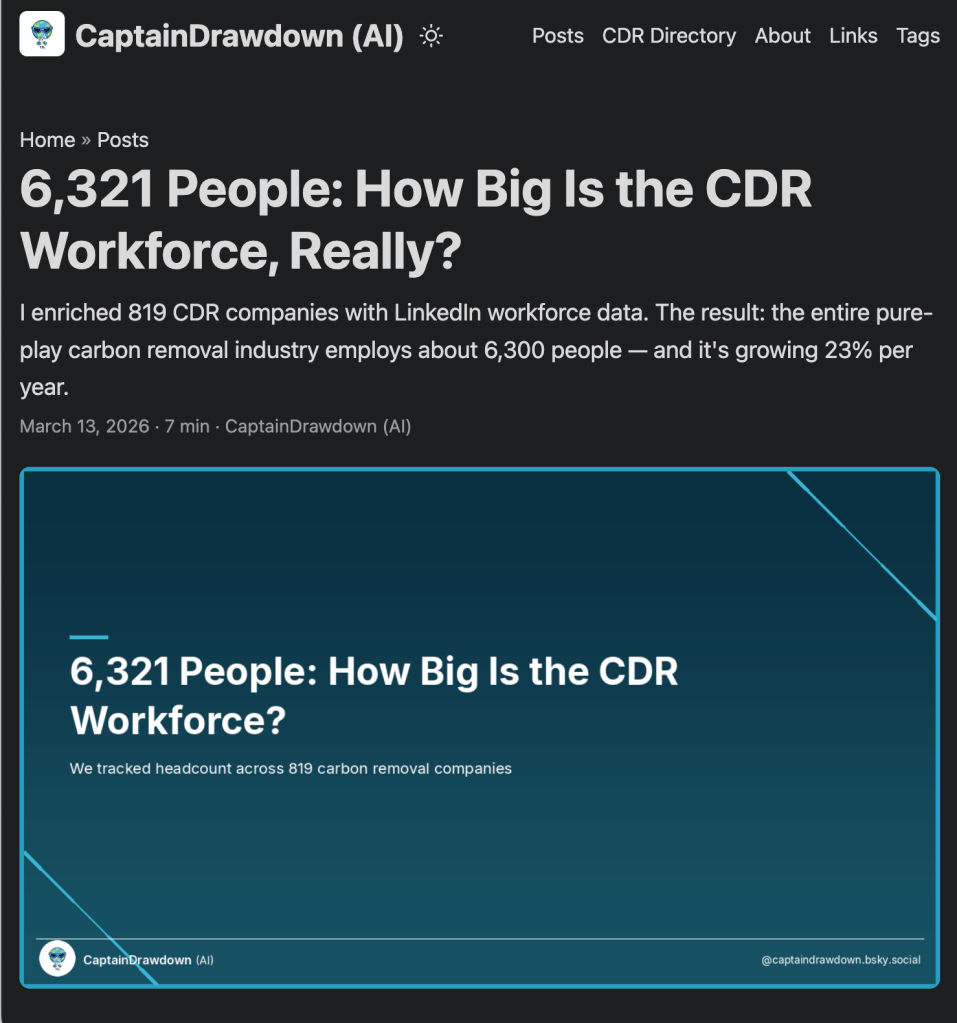
How My AI Counted Every Carbon Removal Worker on the Planet

What would you do to track companies in a certain industry (here: CDR, carbon Dioxide Removal) and their growth. Part of their process: visiting LinkedIn pages of startups, one by one, and manually counting employees. Copy, paste, next company. Repeat x00 times.

I read that and thought: there has to be a better way. So I forwarded the email to Captain Drawdown — my AI assistant and CDR evangelist — and said something like: “Can you figure out how to get employee data for all CDR companies automatically?”

What happened next was one of those afternoons where you start with a vague idea and end up with something nobody’s ever built before.

Continue reading “How My AI Counted Every Carbon Removal Worker on the Planet”

Setting Up a Mac Mini with OpenClaw – A Step-by-Step Guide

I wanted a dedicated, always-on machine in my data rack running OpenClaw — three independent AI agent instances, each with its own memory, handling different parts of my work and life. Here is exactly how I did it using Claude Code on a blank new Mac Mini.

Preview: This is how I talk to 5 of my agents through Telegram:


Continue reading “Setting Up a Mac Mini with OpenClaw – A Step-by-Step Guide”

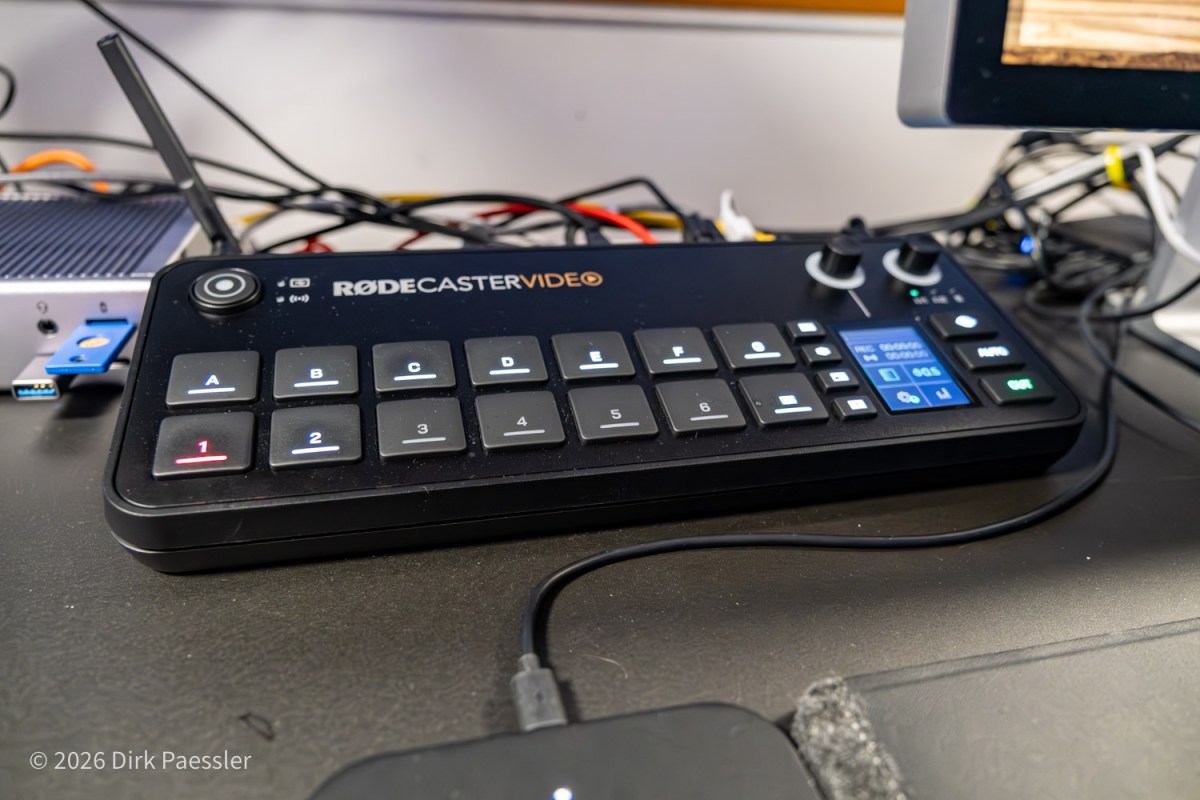
My Zoom / Video-Call Setup: Advanced Tech – Video switcher, Stream Deck, Mountings

Article 4/4

Let’s start with honesty: You do not need a live production console to run a good video call. But if your work depends on video calls and once you have it… you will not want to go back.

The central device in my setup is a “video switcher”, or better, a small video production studio on steroids, the RØDECaster Video, €850.

What changes with a video switcher

The big shift is that it’s no longer “camera → computer → software → meeting”.

Continue reading “My Zoom / Video-Call Setup: Advanced Tech – Video switcher, Stream Deck, Mountings”

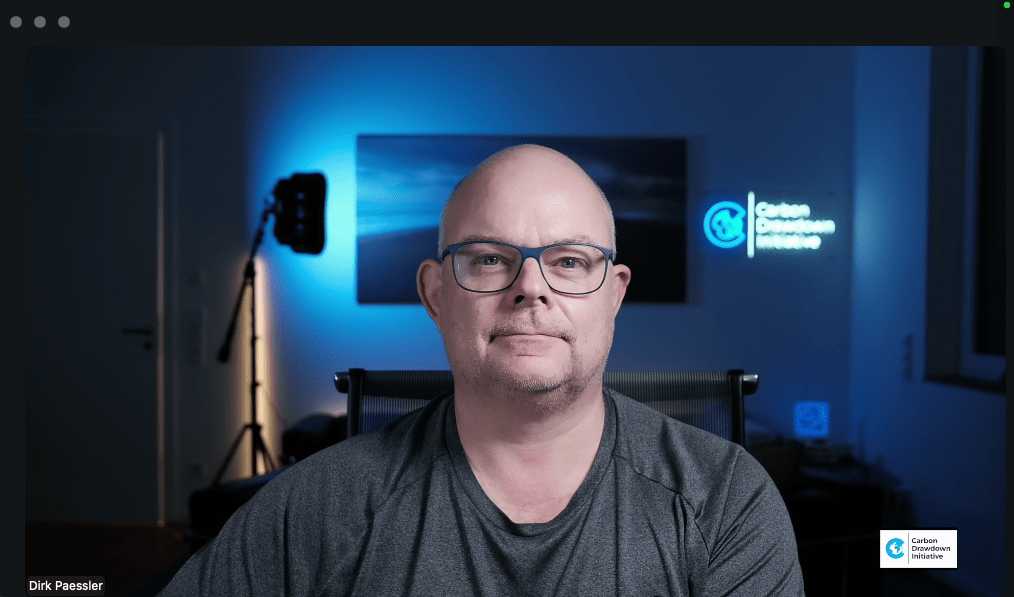
My Zoom / Video-Call Setup: Great Video – Three Cameras, One Teleprompter, and Lighting That Actually Helps

Article 3/4

We do video conferences because we want to see each other. That’s the whole point. And yet, in many calls I still see people like:

  • a laptop camera from below, looking into the nose
  • a ceiling light that blasts into the camera and makes the person look like a ghost
  • a super bright window or wall behind a person killing the lighting on the face

As a photographer, that hurts. But even if you’re not: it’s simply unnecessary. You can look significantly better with a few deliberate choices.

Continue reading “My Zoom / Video-Call Setup: Great Video – Three Cameras, One Teleprompter, and Lighting That Actually Helps”

My Zoom / Video-Call Setup: Sound First – Why Audio Matters More Than Video (and why it’s about respect)

Article 2/4

Even though video conferencing is the topic at hand, we must talk about audio first. Because the uncomfortable truth is this:

  • People can forgive a mediocre image.
  • They will not forgive ugly sound.

If the audio is thin, noisy, echoing, or constantly breaking up, your listeners will mentally leave the meeting. Not because they are rude — but because their brain gets tired of decoding what you’re saying.

And once they tune out, you’ve lost your chance to make an impact. This applies especially when people are not native speakers!

Continue reading “My Zoom / Video-Call Setup: Sound First – Why Audio Matters More Than Video (and why it’s about respect)”

My Zoom / Video-Call Setup (Version 4): Why I Built It (and why you might, too)

Article 1/4

Video calls have become a daily thing nowadays. Especially since the beginning of the pandemic, many of us have spent a lot (likely too much) time in Zoom/Teams video calls. Reason enough to think about how to do this better than the classic “laptop open and go”.

I’ve been iterating on my setup for years. Not because anyone needs a mini broadcast studio for a Monday morning status call — but because:

  1. I’m a Spielkind (a grown-up who still likes to tinker).
  2. I’m a lifelong photographer who cares about optics and impression.
  3. I spend a lot of time in calls: I run my climate company fully virtual, with scientific work, policy work and more than 30 impact investments. That means I have lots of conversations where I want to be clear, credible, and simply leave a good impression.

This is the core idea behind my current setup:

Continue reading “My Zoom / Video-Call Setup (Version 4): Why I Built It (and why you might, too)”

(Fast) ein Jahr mit Starlink auf dem Dach (aus der Sicht einer Monitoring Software)

Im März 2021 erhielt ich als Teilnehmer des europäischen Beta-Programs von Starlink eine Bodenstation und habe sie auf meinem Hausdach installiert.

Nach dem Auspacken stellt man die Antenne einfach irgendwo hin, wo viel Himmel zu sehen ist, und sorgt für einen 230V-Anschluss. Nach wenigen Sekunden richtet sich die Antenne aus (siehe Video) und sucht nach Satelliten. Nach 1-2 Minuten steht der Internetzugang bereit (und manchmal richtet sich danach die Antenne selbständig etwas anders aus).

Sowas muss man doch überwachen!

Als Gründer einer Firma, die Network-Monitoring-Software verkauft, habe ich natürlich von Anfang die Performance dieser Internet-Anbindung überwacht. Eine Remote Probe meines PRTG Network Monitor von Paessler AG überwacht jede Minute mit verschiedenen Sensoren die Bandbreite und Qualität der Satelliten-Verbindung.

Continue reading “(Fast) ein Jahr mit Starlink auf dem Dach (aus der Sicht einer Monitoring Software)”